Rapid Horror Game Prototyping with Unreal Engine Blueprints
How we're using Unreal Engine Blueprints to quickly prototype horror mechanics, iterate on gameplay ideas, and build atmospheric experiences without slowing down development.
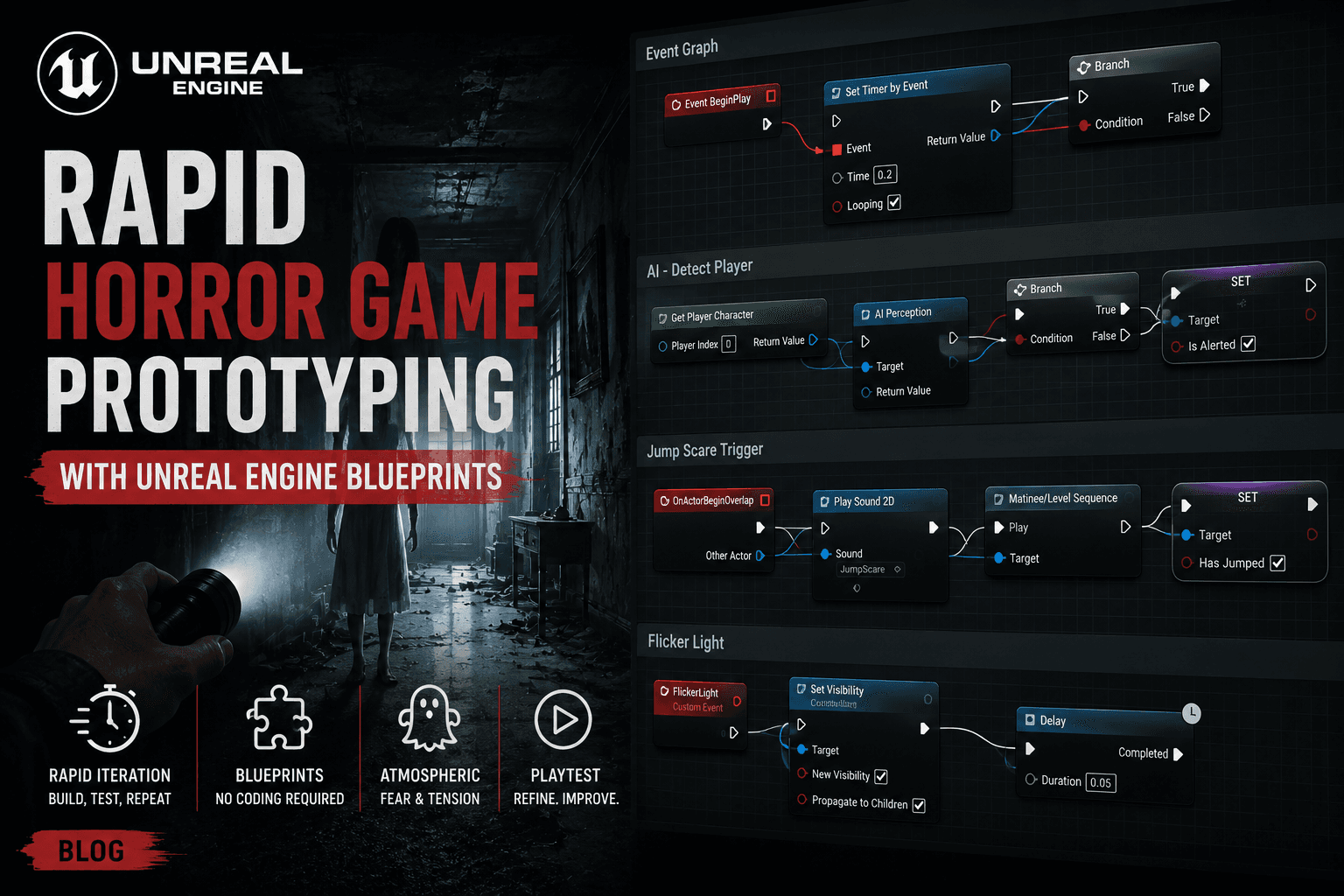
One of the biggest advantages of Unreal Engine is how quickly ideas can be tested using Blueprints. For a horror game where pacing, tension, and player reactions constantly evolve, fast iteration is everything.
Why We Chose Blueprints
When developing a horror game, many mechanics only reveal their strengths—or weaknesses—once they're experienced firsthand.
A scare that sounds great on paper may feel predictable in-game. An AI behavior that seems terrifying during development may become trivial once players understand its pattern.
Because of this, our primary goal is to iterate quickly.
Blueprints allow us to:
- Build gameplay systems rapidly
- Test ideas without lengthy implementation cycles
- Adjust mechanics during playtesting
- Prototype interactions visually
- Focus on player experience rather than technical overhead
For a small team or solo developer, this speed is invaluable.
Building Fear Through Simple Systems
One thing we've learned is that horror doesn't always require complex systems.
Some of the most effective moments come from combining a few simple mechanics:
- Trigger volumes
- Dynamic audio
- Light state changes
- Delayed events
- Environmental interactions
Individually, these systems are straightforward. Together, they create tension and uncertainty.
Example: Delayed Audio Trigger
A common setup in our levels works like this:
- Player enters a hallway.
- Nothing happens immediately.
- After several seconds, a sound plays from behind.
- The player turns around.
- The hallway remains empty.
The objective isn't to scare the player directly.
It's to make them question what they heard.
Designing AI Behavior with Blueprints
Enemy behavior is currently built almost entirely with Blueprints.
This gives us the freedom to experiment with different movement patterns and reactions without constantly recompiling code.
Our basic behavior flow looks like this:
Idle
 ↓
Investigate Noise
 ↓
Search Area
 ↓
Detect Player
 ↓
Chase
 ↓
Lose Sight
 ↓
Search Again
Rather than creating highly aggressive enemies, we're focusing on unpredictability.
Players should never be completely sure whether they're safe.
Making Enemies Feel Unpredictable
Several variables are randomized:
- Investigation duration
- Patrol routes
- Search radius
- Reaction delays
- Audio responses
These small variations help encounters feel less scripted.
Interactive Horror Elements
Blueprints also power most environmental interactions.
Current examples include:
- Doors that react differently depending on player actions
- Flickering lights
- Physics-based objects
- Audio emitters
- Event-driven scares
Instead of relying on cutscenes, we try to keep players in control whenever possible.
The result feels more immersive and personal.
Blueprint Organization
As projects grow, Blueprint management becomes increasingly important.
To keep things maintainable, we're following a few rules:
Modular Systems
Rather than placing logic directly into level actors, we separate functionality into reusable components.
Examples:
- Interaction Component
- Audio Trigger Component
- Objective Component
- Inspection Component
This makes it easier to reuse systems across multiple levels.
Clear Event Naming
Consistent naming saves a surprising amount of time.
Examples:
BP_Door_MainHall
BP_AudioTrigger_Basement
BP_EnemyObserver
BP_ObjectiveManager
Good organization becomes especially valuable when a project reaches hundreds of Blueprint assets.
Level Design Iteration
One of the biggest benefits of Blueprints is how quickly level design can evolve.
When testing a new area, we often change:
- Enemy spawn locations
- Trigger timings
- Lighting events
- Sound placements
- Exploration flow
Because these adjustments can be made visually, iteration becomes much faster.
This is particularly important in horror games where pacing is difficult to predict until real players experience it.
Lessons Learned
A few things we've discovered during development:
1. Simplicity Often Wins
The most memorable horror moments rarely come from complicated systems.
They usually emerge from:
- Good timing
- Strong atmosphere
- Player imagination
2. Player Expectations Matter
Players naturally anticipate patterns.
Breaking those expectations creates tension.
3. Prototype Everything
Many of our favorite mechanics started as rough Blueprint experiments that took less than an hour to create.
Without rapid prototyping, those ideas might never have existed.
Current Development Goals
Our current Blueprint-focused tasks include:
- Core interaction framework
- Dynamic audio triggers
- Environmental event system
- AI investigation behaviors
- Advanced enemy perception
- Save/load improvements
- Puzzle framework expansion
- Performance optimization pass
What's Next
Over the coming weeks, we're expanding our Blueprint systems to support more dynamic horror scenarios and less predictable encounters.
The goal isn't simply to create jump scares.
We're trying to build an experience where players constantly feel uneasy, even when nothing appears to be happening.
In horror games, uncertainty is often the most powerful mechanic of all.